
Download Dogpile – Free Meta‑Search Engine for Secure, Comprehensive Web Queries
Overview of Dogpile
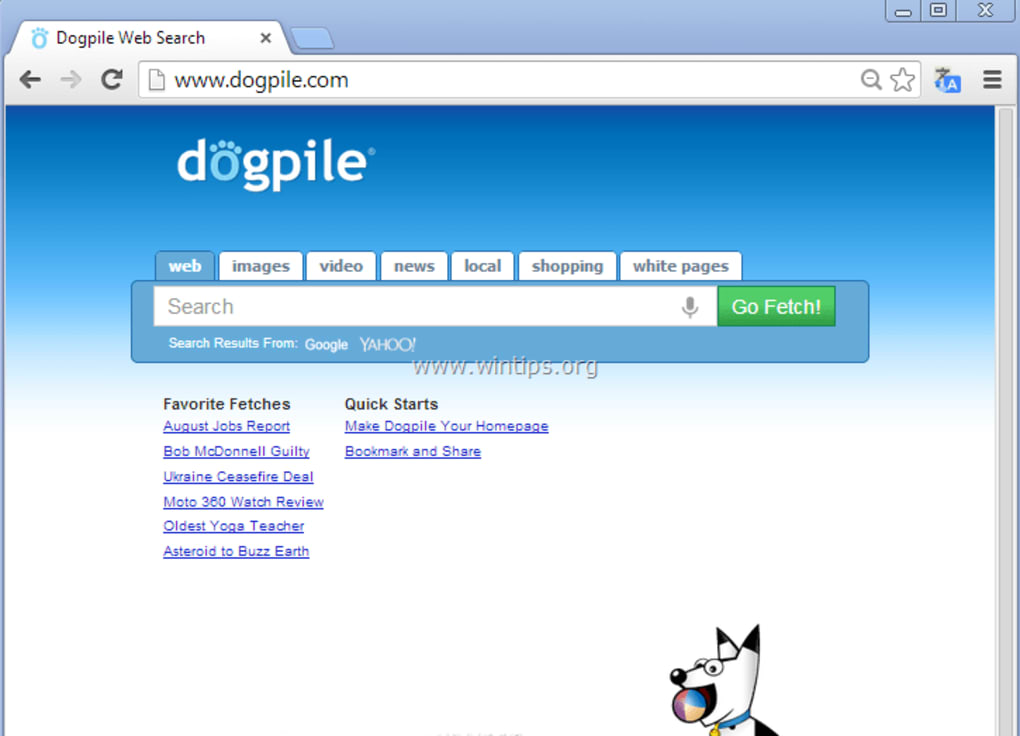
Dogpile is a free‑to‑use meta‑search engine developed by InfoSpace that aggregates results from multiple major search providers such as Google, Yahoo, Bing (Live) and Ask. Instead of relying on a single index, Dogpile simultaneously queries these engines, merges the results, and presents a consolidated list that aims to be both broader and more relevant. The interface is intentionally clean, offering quick access to web, image, video, and news categories, plus a “Favorite Fetch” function that brings up yellow‑pages (business listings) and white‑pages (people search) results.
While Dogpile does not claim the lightning speed of Google, it compensates with privacy‑focused handling—no personal profiling or data tracking—making it an appealing alternative for users who value anonymity and a wider perspective on search results. Its simplicity mirrors mainstream browsers: type a keyword, hit the Fetch button, and let the engine do the heavy lifting. Because it pulls from several sources, users often discover links and resources that a single‑engine search might overlook, providing a richer research experience without additional cost.
Key Features and Functional Highlights
- Multi‑Engine Aggregation: Simultaneous querying of Google, Yahoo, Bing, and Ask delivers a diversified result set.
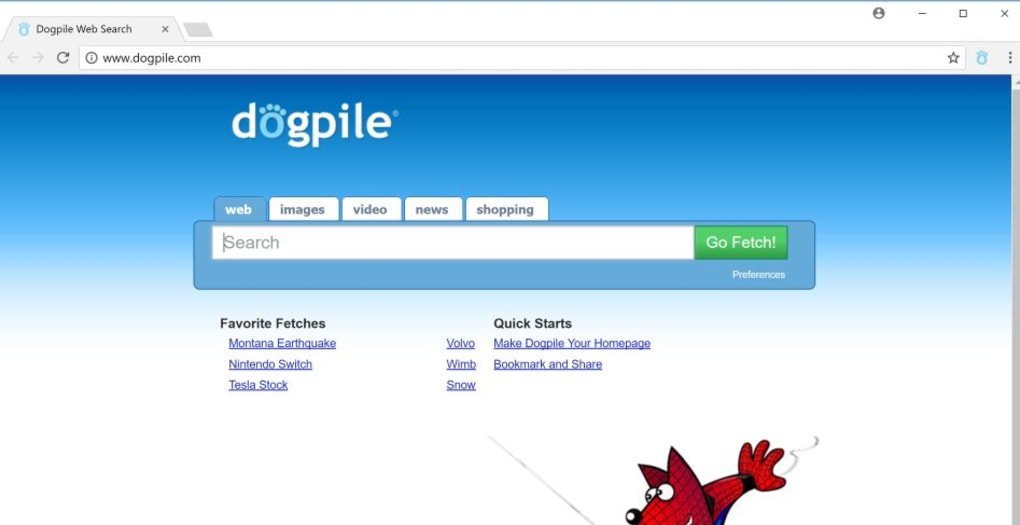
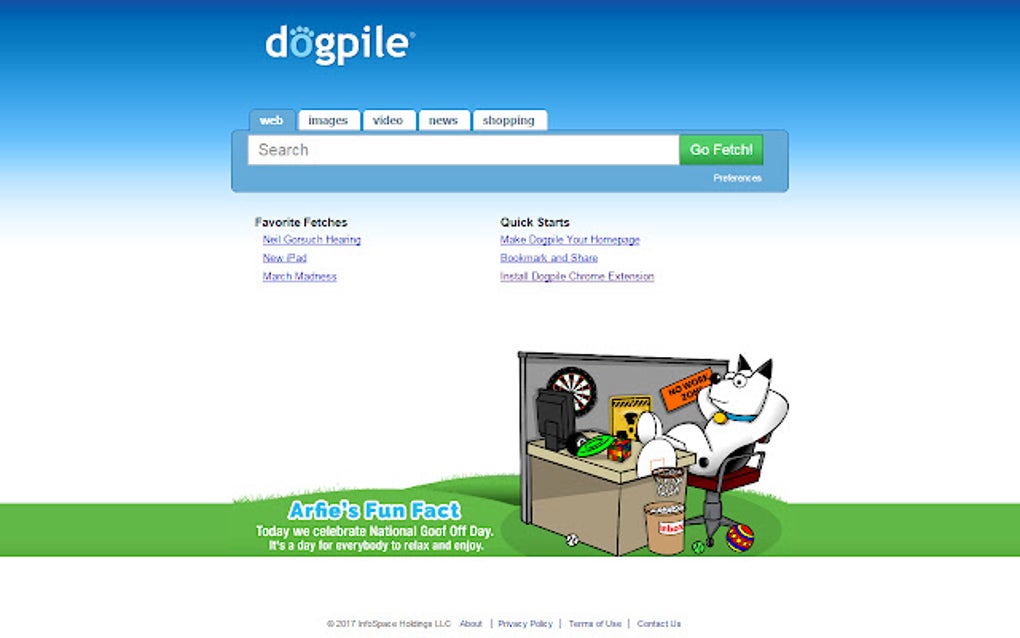
- Clean, Minimalist UI: A clutter‑free layout with dedicated tabs for Web, Images, Videos, and News.
- Favorite Fetch – Yellow & White Pages: Quick access to business directories and people search without leaving the platform.
- Privacy‑Centric Design: No user tracking, profiling, or personalized ads, preserving anonymity.
- Cross‑Platform Accessibility: Available via any modern web browser on Windows, macOS, Android, and iOS devices.
- Free of Charge: No subscription fees or hidden costs; all features are openly accessible.
- Search Filters: Built‑in filters for date, region, and content type to narrow down results efficiently.
Beyond the listed capabilities, Dogpile continuously updates its backend algorithms to improve relevance and reduce duplicate entries. The result merging logic gives priority to unique pages, ensuring that users see a broader spectrum of information. While the engine does not offer deep personalization—such as saved search histories or custom dashboards—it does provide a straightforward, distraction‑free environment that appeals to researchers, students, and privacy‑conscious internet users. The inclusion of Yellow and White Pages within the same interface eliminates the need for separate directory services, streamlining the process of locating businesses or contact information. Overall, Dogpile’s feature set is designed to deliver a balanced mix of breadth, simplicity, and privacy, making it a solid supplementary tool alongside primary search engines.
Installation, Usage Instructions & Compatibility
Dogpile is a web‑based application, which means there is no traditional “installation” process required for desktop operating systems. Users simply navigate to dogpile.com using any modern browser. For mobile users, Dogpile is fully responsive and works seamlessly on Android and iOS devices through Chrome, Safari, Firefox, or any other up‑to‑date browser.
Step‑by‑step usage guide:
- Open your preferred browser and go to
https://www.dogpile.com. - Enter your search query in the prominent search bar at the top of the page.
- Select a category (Web, Images, Videos, News) if you wish to narrow the search scope.
- Click the Fetch button or press Enter to initiate the meta‑search.
- Review the consolidated list of results, which will display the source engine (Google, Yahoo, etc.) beside each link.
- Use the “Favorite Fetch” dropdown to quickly access Yellow Pages (business listings) or White Pages (people search) for the same query.
- Apply optional filters such as date range or region located under the “Advanced Filters” section to refine results further.
Dogpile is compatible with all major operating systems that support contemporary web browsers, including Windows 10/11, macOS Ventura and later, Linux distributions, Android 8.0+, and iOS 13+. Because it runs entirely in the browser, there are no additional system requirements or background services to manage.
For users who prefer a dedicated shortcut, browsers allow you to create a home‑screen icon that behaves like an app. On Android, tap the three‑dot menu and select “Add to Home screen.” On iOS, use the Share button and choose “Add to Home Screen.” This provides one‑click access to Dogpile without opening a separate tab, emulating a native app experience while retaining the benefits of a web‑based platform.
Pros & Cons – Balanced Assessment
Pros
- Aggregates results from multiple leading search engines, providing a wider perspective.
- Free to use with no hidden fees or subscription requirements.
- Privacy‑friendly: does not track user activity or create personalized profiles.
- Clean, intuitive interface with dedicated tabs for web, images, videos, and news.
- Integrated Yellow and White Pages for quick business and people look‑ups.
- Responsive design works across Windows, macOS, Android, and iOS devices.
Cons
- Search speed can be slower than single‑engine queries because it contacts multiple sources.
- Lacks deep personalization features such as saved searches, custom dashboards, or AI‑driven suggestions.
- Result ranking is based on simple aggregation; it may surface duplicate or less relevant links.
- No dedicated mobile app; reliance on browser experience may feel less integrated for some users.
- Advanced filtering options are limited compared to specialized search tools.
Frequently Asked Questions
Is Dogpile really free to use?
Yes, Dogpile is completely free. There are no subscription fees, hidden charges, or premium tiers. All core features, including web, image, video, and news search, as well as Yellow and White Pages, are available at no cost.
Does Dogpile track my searches or personal data?
Dogpile is designed with privacy in mind. It does not create personal profiles, store search histories, or serve targeted ads based on your queries. The engine only forwards your request to partner search providers and returns the aggregated results.
Which browsers are supported?
Dogpile works with all modern browsers that support HTML5 and JavaScript, including Chrome, Firefox, Safari, Edge, and Opera on desktop and mobile platforms.
Can I use Dogpile for image and video searches?
Absolutely. The interface includes dedicated tabs for Images, Videos, and News, allowing you to filter results by content type without needing to navigate away from the main page.
Why are Dogpile results sometimes slower than Google?
Because Dogpile contacts several search engines simultaneously, the overall response time depends on the slowest provider in the mix. While this can add a few seconds, it also ensures you receive a broader set of results.
Conclusion – Should You Download Dogpile?
Dogpile offers a compelling alternative for users who want to broaden their search horizons without sacrificing privacy. Its free, ad‑light design, combined with the ability to pull results from Google, Yahoo, Bing, and Ask, delivers a richer, more diversified set of links for any query. While it may not match Google’s raw speed or provide deep personalization, the trade‑off is a more transparent, privacy‑first experience that respects user anonymity. If you value a clean interface, cross‑engine coverage, and a tool that doesn’t track your every move, give Dogpile a try today. Simply visit dogpile.com and start searching—no download required, just instant access.
Ready to explore the web with a broader perspective? Click the link above, perform your first meta‑search, and discover how Dogpile can enhance your online research while keeping your data private.



.png)



